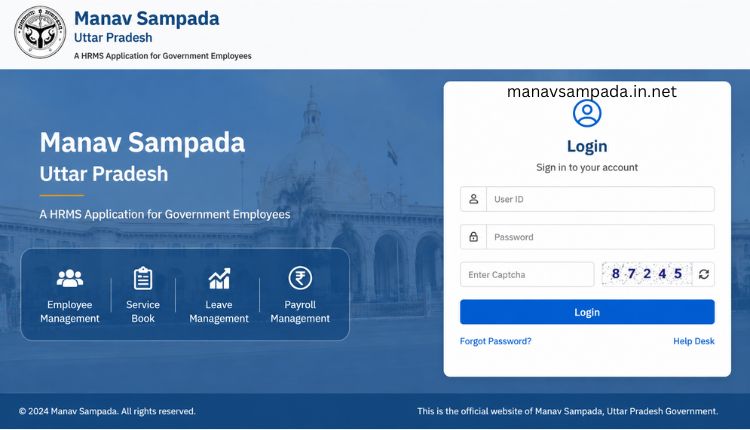
If you don’t know your Manav Sampada ID or forget it, you can get it within a few simple steps. For this purpose, visit the Manav Sampada UP portal and click on the “search eHRMS code” in the blue box. There, you will get three methods to search the code: departmental ID, phone number, and posting office. The ID is necessary for all tasks linked to the portal including salary slip, service book, attendance lock and much more. Follow your preferred method and get the code online.

How To Search for Manav Sampada ID?
There are two main methods to get the Manav Sampada code online. You can choose any of the methods according to your preference. Below, I have provided a detailed tutorial along with the screenshots for both methods.
-
- Search by phone number
-
- Search by posting office
Search Code Via Phone Number
Here is how you can get your code online through phone number:
Note: Choose this method only when you remember your registered mobile number with the eHRMS portal.
-
- First of all, click on the search eHRMS code available in the blue box.

-
- Now select “search by mobile” from the available options.
-
- Then select your department and enter your mobile number in the required field carefully.

-
- Once done, click on the submit, and the system will directly display your ID.

Search Code Via Posting Office
If you forget your linked mobile number, you can retrieve your ID through the post office. Here is how to do it:
-
- Once you’ve chosen a post office. You will get various options.
-
- Provide all the information carefully in the required fields. The required details include: department, organization, posting district, reporting office, posting office, and designation.

-
- Once done, click ‘Submit’. Now you will get a complete list. Check your ID from the list.
You can choose any of the above methods according to your preference. Both methods are safe and easy and can be done via both Manav Sampada app and portal. However, as a regular eHRMS user, I always prefer to get the eHRMS ID through the phone number.
Also check: Step by step guide to apply for Manav Sampada leave.
Troubleshooting the Common Errors
A lot of employees report some common issues while searching for their ID online. Below, I have provided the practical solutions to those issues:
Not Getting ID on Phone Number
Sometimes the user faces issues in getting their details through phone number. This only happens when you are entering the wrong phone number or the system has saved the incorrect number. You can overcome these issues by following these ways:
- Make sure that you are entering the correct phone number. It is necessary to enter the phone number that is registered on the portal.
- There may be a system error. Sometimes the system saved the wrong phone number by mistake.
Forgotten Phone Number
If you have forgotten your phone number linked to your portal, you can still get your ID online. Here is how to do it:
- Choose the posting office to get your code. Enter all the required details and click submit. You will get your code with all other details.
- You can also choose the “search by model” option.
Not Getting Code Via Posting Office
Sometimes the code failed to arrive even through the office. This is only possible when you fill in the incorrect details. Here is how you can overcome this issue:
- Double-check and ensure that you have provided the accurate details. Always verify the accuracy before submitting the details.
- There might be a technical issue. In such a case, wait for some time, and the issue will be solved.
Hopefully, your issue will be solved through the above guidelines. In case you are facing any other issue, it will be a better option to contact the helpline. The helpline will provide you with a solution as soon as possible.
FAQs
Conclusion
It is very easy to find your Manav Sampada ID through the official portal. You can securely retrieve your code by using phone number search or posting office details. Choose one of these methods according to your choice and follow the instructions. It is necessary to enter the accurate details to get the code successfully.